Home Office Setup Checklist
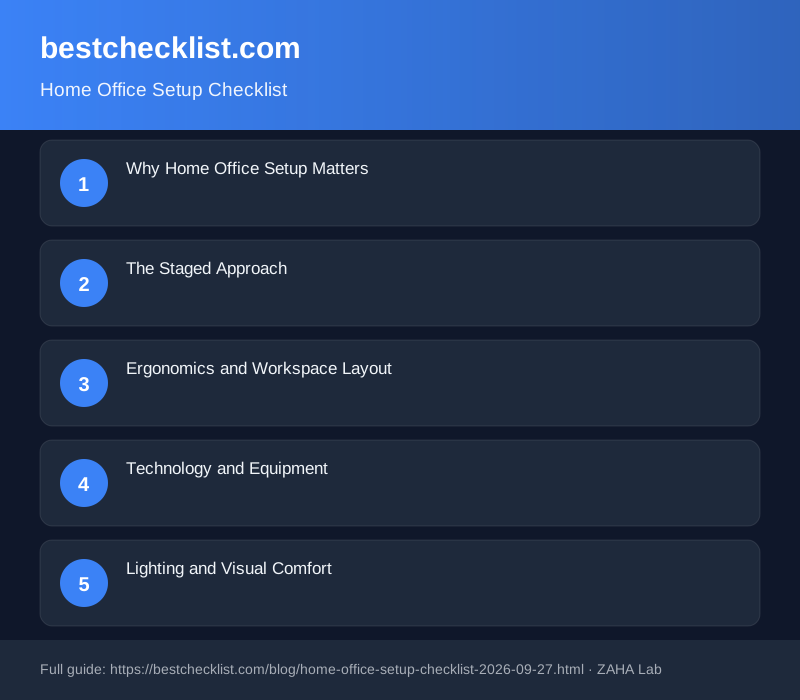
Most remote workers skip proper setup steps, discovering too late that poor ergonomics, weak lighting, and scattered storage drain productivity and damage health. A methodical office setup avoids this entirely. Use this checklist across five core areas (ergonomics, technology, lighting, organisation, and health) to build a workspace that actually supports your work and wellbeing.
Setting up a home office properly takes a weekend and a modest budget. The return is measurable: better posture, fewer headaches, reduced distractions, and genuine focus. Skip this, and you'll work from a kitchen table for months, battling pain and motivation loss the entire time.
Why Home Office Setup Matters
The difference between a random desk arrangement and a proper office is the difference between surviving your workday and thriving in it. Poor ergonomics lead to back pain, neck strain, and creeping headaches. Inadequate lighting causes eye fatigue that builds across the day. Clutter and missing storage consume mental energy before you've finished your morning coffee.
Workers in properly designed home offices report 30 per cent higher productivity and significantly lower stress. These are not marginal gains. A good setup compounds across years. Your health and career quality depend on it.
The Staged Approach
Do not buy everything at once. Buy in phases: desk and chair first, then monitor and keyboard, then lighting, finally storage and refinements. This phased method prevents buyer's remorse, lets you test each piece, and spreads the cost over time.
Before spending money, measure your space. Note where natural light comes in. Identify wall space for shelving. Sketch your desk layout. Use a digital task management tool like Todoist to break the setup into phases and track progress. Many teams find this helps when a partner or friend is helping with setup and assembly.
Ergonomics and Workspace Layout
Ergonomics is not negotiable. Your posture directly shapes your comfort, pain levels, and mental clarity. Spend the most on your chair, not your desk. An ergonomic office chair costs 150 to 400 pounds but pays dividends through better posture and reduced pain. A cheap desk works fine if your chair is right.
Ergonomic Checklist
Test your positioning as you add pieces. Sit in your chair at your desk with your arms in typing position. If your elbows are higher or lower than 90 degrees, adjust. If your screen forces you to look up or down, the monitor is the wrong height. Small position changes prevent weeks of discomfort.
Technology and Equipment
A laptop alone is not a workstation. External monitor, keyboard, and mouse reduce strain on your neck, wrists, and shoulders. If video calls are part of your role, invest in a decent webcam and microphone. Audio quality matters more than most people assume. Tinny audio undermines professionalism and exhausts you during calls.
Technology Checklist
Cable management deserves its own attention. Tangled cables are a fire hazard and a distraction. Use clips, ties, or cable management kits from Amazon to route wires behind your desk. A tidy desk clears your mind.
Lighting and Visual Comfort
Lighting shapes your energy and focus. Poor lighting causes eye strain and afternoon fatigue. Aim for a combination of natural light and warm artificial light. Never place your monitor directly opposite a window, as the glare exhausts your eyes within hours. Position your desk perpendicular to windows when possible.
Lighting Checklist
Bright overhead lights and dim screens create strain. Warm, indirect lighting around 3000 to 4000 Kelvin feels natural and supportive. If you work through evening, dimmer lighting reduces blue light exposure and supports better sleep later.
Storage and Organisation
Clutter drains focus before your workday even starts. Organise before you fill. Keep only items that serve your work. Use vertical space with shelves and wall-mounted storage. Invest in a physical task planner or checklist system to manage daily work alongside digital tools. Many remote workers find a hybrid approach (digital for shared tasks, physical for personal focus) more effective than apps alone.
Storage Checklist
Do not buy storage boxes before sorting. Too many people fill storage with items they never use. Sort first, then buy storage that fits what remains.
Health and Sustained Comfort
Your office is where you spend a third of your day. Treat it as the environment it is. The 20/20/20 rule works: every 20 minutes, look away for 20 seconds at something 20 feet away. This simple habit reduces eye strain dramatically and costs nothing.
Health and Wellness Checklist
Temperature and noise control matter more than people realise. A room that is slightly too warm makes focus impossible by mid-afternoon. Uncontrolled noise is exhausting. Small controls (a fan, a white noise machine, a closed door) solve these cheaply.
Final Steps
Set a budget and timeline. You do not need everything at once. Prioritise: chair, desk, monitor, keyboard and mouse, task lighting, storage. If your budget is under 500 pounds, buy a used ergonomic chair and a simple desk first. Add other elements over the next few months as funds allow.
Document your setup as you build it. Take photos. Note what worked and what did not. A workspace evolves. Your first setup will not be perfect, and that is not a failure. What matters is starting intentionally and adjusting based on real use.
FAQ
How long does a home office setup take?
Initial setup takes a weekend if you already have furniture. If buying items, budget 2-3 weeks to purchase, receive, and arrange everything. Optimisation continues over weeks as you adjust what works and what does not.
What is the minimum budget for a productive office?
A functional setup costs 300 to 600 pounds if you buy secondhand. A desk (100 to 200 pounds), chair (150 to 300 pounds), and monitor (100 to 150 pounds) are the essentials. Lighting and storage can be added later.
Should I use a digital checklist, paper planner, or both?
Many people find a hybrid approach works best. Use digital tools for shared projects and accountability. Use a physical planner for daily focus and reduced screen time. Experiment to find your preference.
What if I have very limited space?
Prioritise vertical storage, fold-down or wall-mounted desks, and multipurpose furniture. Even a small, well-designed corner beats a sprawling mess. Quality and layout matter far more than size.
How do I know if my ergonomics are correct?
If you have no back, neck, or shoulder pain after an 8-hour workday, your setup is likely good. If you feel pain, make one adjustment at a time and observe the effect over a few days before changing something else.